Profile and portfolio
Manage your bio, genres, service areas, photos, audio and video in Studio.
Create a DJ account, complete your profile in Studio and submit it for approval. Profiles become public only after approval.
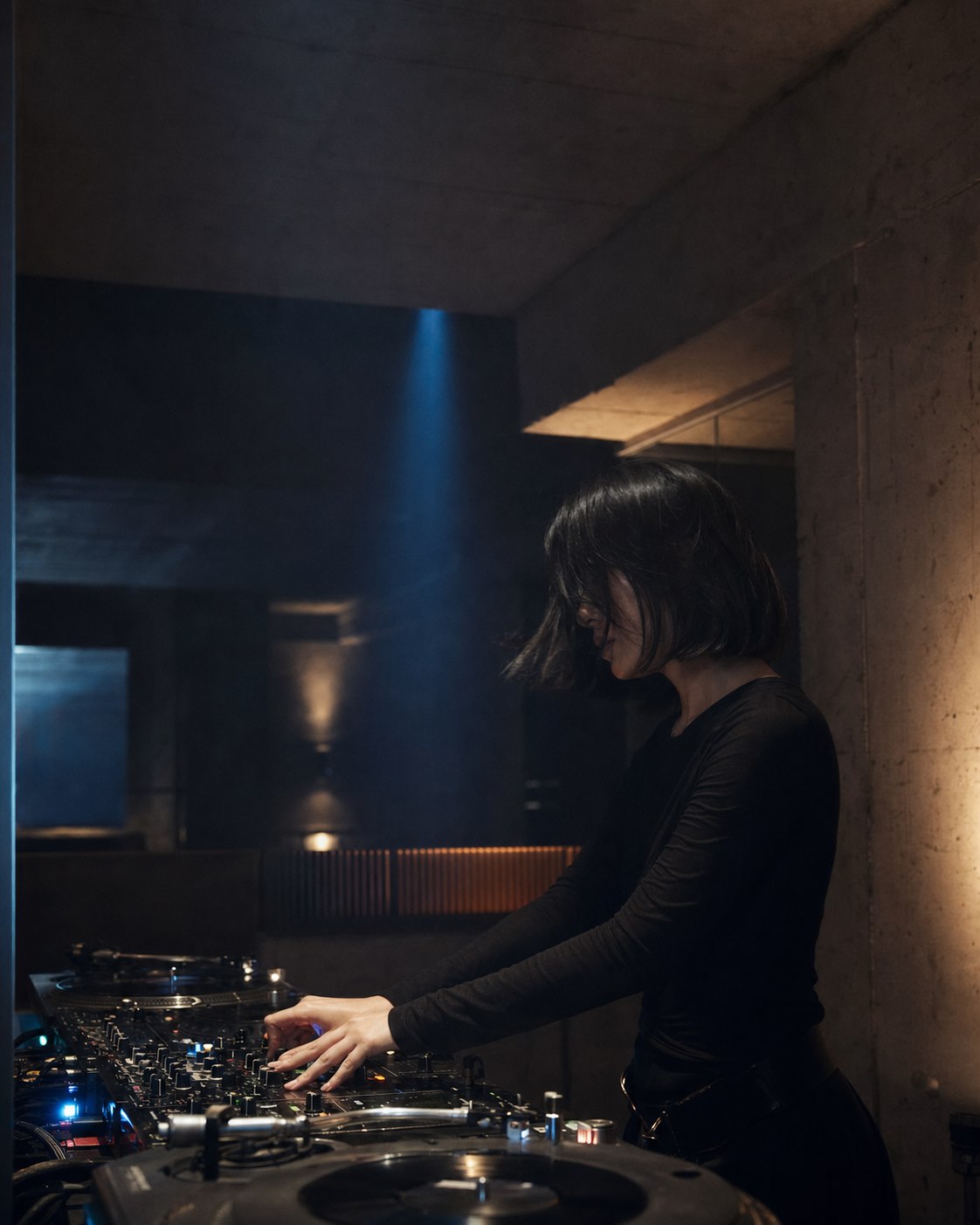
Manage your bio, genres, service areas, photos, audio and video in Studio.
Receive briefs, message customers and send quotes for each booking.
Track bookings and mark unavailable times to reduce scheduling conflicts.
Sign up with the DJ role to access Studio.
Add performance details, areas, starting prices and a portfolio.
Fly DJ reviews profiles before adding them to the public catalogue.
Start with a DJ account, then complete your profile with real information.